LCC Specialist Service
Data Recovery
Secure recovery from crashed, corrupted, or formatted media
Your files are valuable. If your drive has crashed, failed, or been accidentally formatted, we use professional software utilities and hardware tools to recover photos, documents, and client records. We work with internal HDDs, SSDs, external backup drives, and SD cards.
When Do You Need This?
Bring your system if it displays any of these symptoms for a free, no-obligation diagnosis.
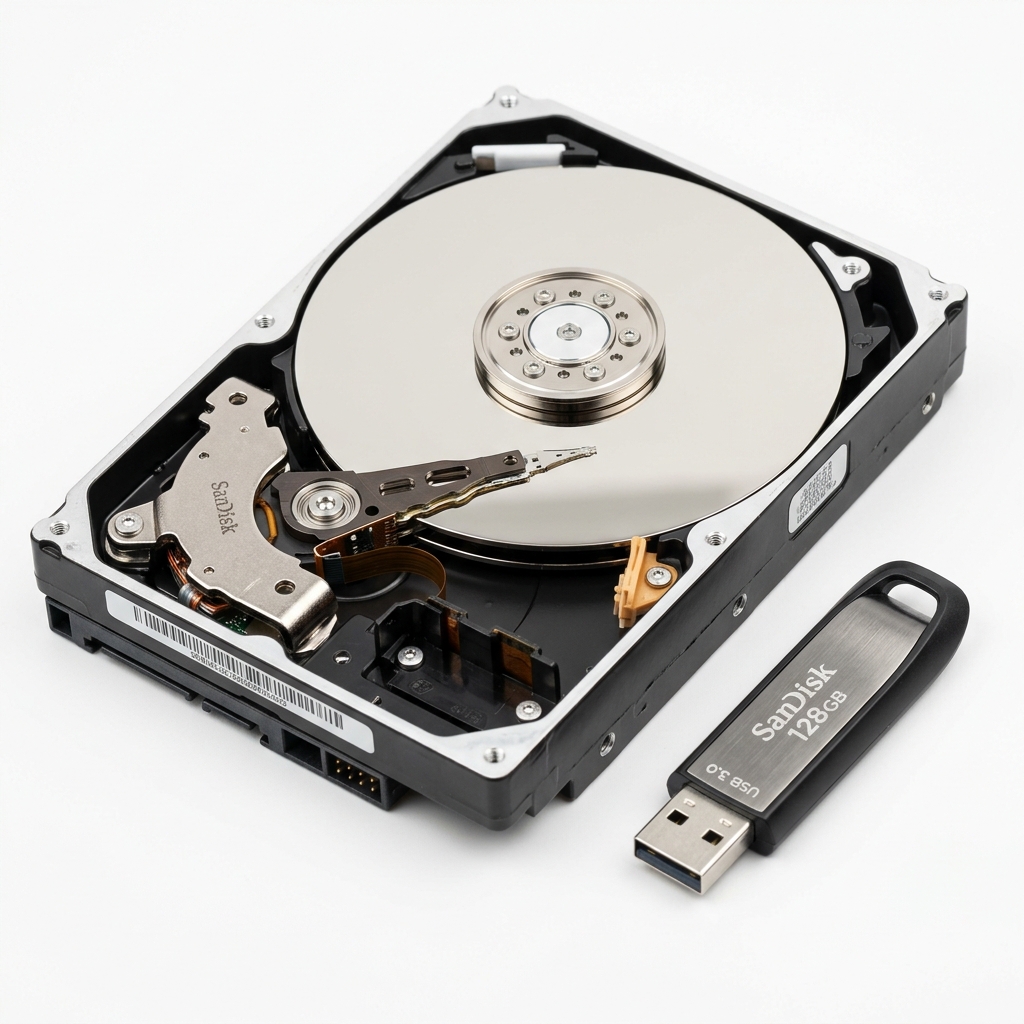
Hard drive making clicking, beep, or grinding noises
Drive showing as 'RAW format' or prompting to format
Accidentally deleted folders, formatted partitions, or empty recycle bin
USB flash drive or memory card not detected by system
How It Works
We believe in absolute transparency. Here is our step-by-step diagnostic and repair process.
Diagnostic Assessment
We inspect if the failure is logical (software, filesystem, corruption) or physical (damaged heads, clicking platters).
Bit-by-Bit Cloning
To protect your failing drive, we create a secure, sector-by-sector raw clone of the media onto our storage server.
Deep Recovery Scan
Using advanced logical and raw signature scanner engines, we reconstruct lost folders, files, and partitions.
Secure Export & Verification
We verify the recovered documents/photos, copy them to a secure new drive, and permanently erase temporary clones.
Frequently Asked Questions
Common questions answered about our Data Recovery service.
What should I do if my hard drive is clicking?
Shut down the computer immediately! Clicking indicates physical head damage. Running the drive can scratch the platters and cause permanent data loss.
Is my personal data safe with you?
Absolutely. We sign strict data confidentiality protocols. Your recovered files are directly copied to your backup media and are never shared or uploaded.
What is your recovery success rate?
For logical issues and accidental deletion, our success rate is over 95%. For physical head/motor damage, it depends on platter condition.